
We specialize in Google Business Profile verification for Wyoming small businesses in Casper, WY.
If your Google Business profile (GBP) does not verify, it means you are missing proof.
In 2026, Google leans heavily on video verification and consistency across your address, signage, and real-world operations.
This guide outlines the fastest path to approval in Wyoming and how to avoid getting stuck in Processing.
What Google Business Profile Verification Means in 2026
Verification is the way of Google which confirms you are a real business at a real location.
Once verified, you can control the listing that drives calls, direction requests, and high-intent leads from Google Search and Google Maps.
In Wyoming, friction typically arises from rural addressing quirks, shared spaces, and businesses that use mail-only setups. The goal is simple: make your “real-world proof” match what your profile claims everywhere.
Expert Note: Don’t “fix everything” while verifying. Rapid edits to name, address, or categories during verification often create delays or trigger extra checks.
Why Wyoming Businesses Get Stuck During Verification
Casper businesses encounter a few recurring issues, especially if your office setup is hybrid or home-based, or if you travel to customers.
The root cause is almost always the same: your listing signals (address, signage, tools, access, proof of operation) don’t clearly align with your business type.
Common blockers you’ll want to avoid:
- Changing the address or business name repeatedly mid-process
- Using PO Boxes or mail-only addresses as the public business location
- Video proof that doesn’t show access to the space (keys, entry, interior, branding)
- Mismatch between “the service area business” setup and what’s shown on camera
Verification Methods You Might See (And Why You Can’t Always Choose)
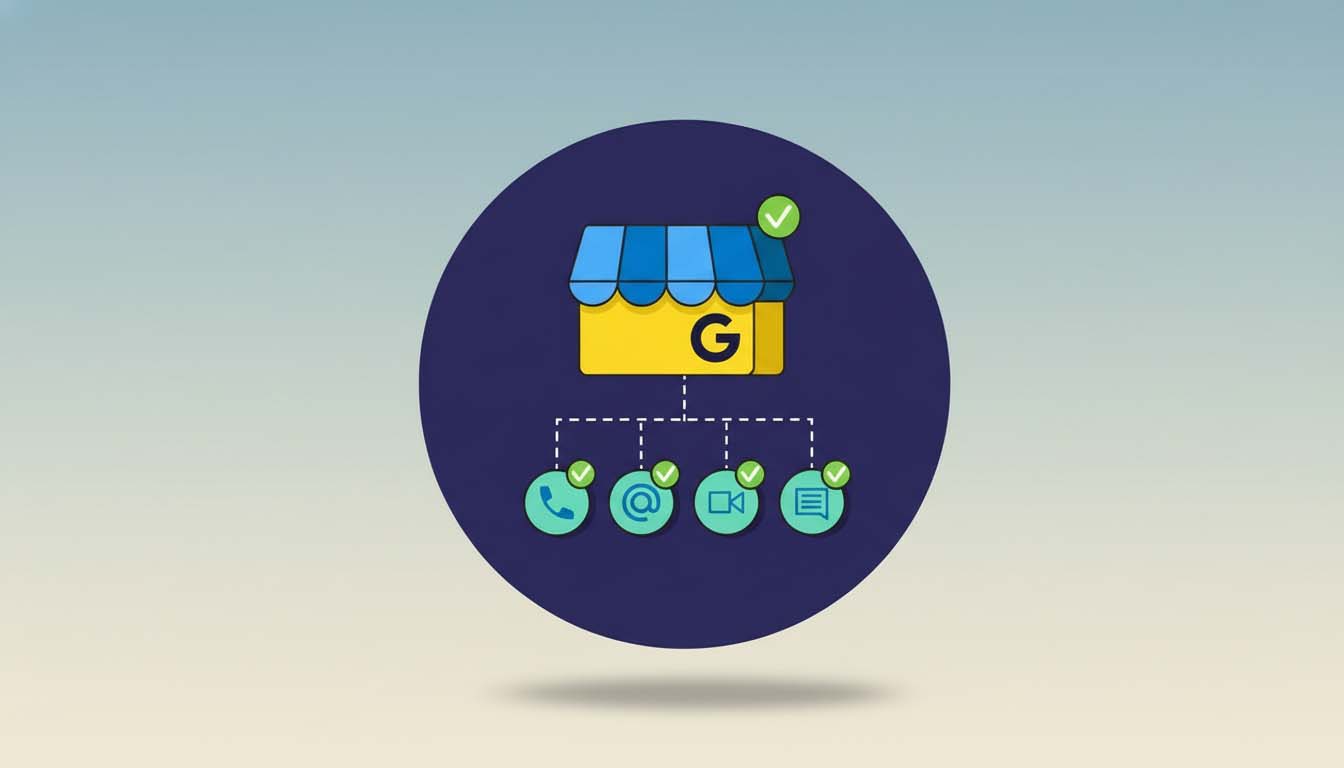
Google does not allow every business to choose any method. As outlined in Google’s official verification guidelines, the verification option shown in your dashboard is selected by Google based on risk signals, category, history, location type, and other factors.
Here’s what you’ll typically run into in 2026:
- Video verification (most common now)
- Postcard (still possible, but not guaranteed)
- Phone/Email (rare, usually for low-risk or previously verified cases)
- Live video call (occasionally offered when extra proof is needed)
Pro Tip: If you are offered video verification, take it. In most cases, it’s the fastest route if you prepare the right shots before hitting a record.
Step-by-Step: How to Verify Your GBP in Casper, Wyoming
Before you start, get one thing straight: Google needs to verify that the location exists and that you’re authorized to represent the business. That proof looks different depending on whether you are a storefront, service-area business (SAB), or hybrid.
Step 1: Confirm Your Business Type (Storefront vs SAB vs Hybrid)
Take 60 seconds to decide how you actually operate day-to-day. This choice affects what Google expects in your verification evidence.
If you serve customers at a location, you’ll need proof of a customer-facing place. If you travel to customers, you’ll need proof of operations, even if you don’t have a public storefront.
Clear indicators:
- Storefront: customers can walk in during stated hours
- SAB: You travel to customers; the address should typically be hidden
- Hybrid: you have a location, and you travel to customers
Step 2: Make Your Core Details Match Reality (Before You Record Anything)
This is where most “Processing” delays begin. Your business name, address, and category must match what a reasonable person would expect to see on-site and in documentation.
Get these right first:
- Business name (exactly as used in branding and Wyoming Secretary of State records)
- Address formatting (consistent with USPS data and your real signage)
- Primary category (your main revenue service, not a “nice-to-have”)
- Hours (match what you can actually support)
Step 3: Prepare Your Verification Evidence (Fast Checklist)
You don’t need a “perfect” office, but you do need a clear story: this is the location, this is the brand, and you control it.
Here’s what to prepare:
- Access proof: keys, keypad entry, or door unlock on camera
- Brand proof: permanent signage, logo on door/window, branded work area
- Operational proof: tools/equipment, service materials, invoices (no sensitive info), business utilities where appropriate
- Location proof: street sign, building number, and context (outside + inside continuity)
Pro Tip: If you’re near recognizable Casper spots, mention the context in the post to help readers, but your video must focus on verifiable business proof, not scenery. (Think: “near Casper Mountain” for local relevance in content while the video shows signage and access.)
Step 4: Video Verification That Passes (What to Show on Camera)
Most rejections occur because the video lacks continuity or fails to demonstrate authority. Your recording should flow logically from outside to inside and prove you’re in control of the space.
Use this simple sequence:
- Start outside: show street/building context and address number
- Show signage/branding (even if minimal, it must be real and consistent)
- Show access: unlock the door, enter, and show the workspace
- Show operational proof: tools, equipment, and branded materials relevant to your service
- End with something only the business would control: back office, locked storage, POS area, staff-only access, etc.
If you’re a service-area business, keep the story operational:
- Show your work vehicle, branded tools, and service materials
- Show admin setup (computer, scheduling system, branded paperwork)
- Avoid presenting a “public storefront” if customers don’t actually visit
Step 5: If You’re Offered a Postcard, Don’t Waste the Window
When postcard verification is available, it can still work well, especially for stable, customer-facing addresses. But you need to manage expectations: delivery can take time, and resending too early can reset the timeline.
Do this to reduce delays:
- Ensure your mailbox and suite/unit formatting are correct
- Don’t edit the business name/address while waiting
- If it hasn’t arrived after about two weeks, follow the resend guidance in your GBP dashboard
Which Verification Path Fits You?
Your best path depends on how you operate. This table helps you choose the right preparation, even if Google chooses the method.
| Verification Method | Best For | Common Failure Cause |
| Video verification | Most businesses in 2026 | No signage/access proof |
| Postcard | Stable storefront addresses | Address format/mail issues |
| Phone/Email | Low-risk profiles | Option not offered |
Troubleshooting: When You’re Stuck on Processing or Rejected
If your verification is delayed, assume Google needs clearer evidence—not more attempts. The fastest fix is tightening your proof and consistency.
Here’s what typically works:
-
- Reduce edits: stop changing name/address/category repeatedly
- Improve evidence: better signage visibility, clearer access proof, stronger operational proof
- Align SAB settings: if you travel to customers, set it up that way and record evidence that matches
- Escalate properly: use the official GBP support channels when repeats happen with correct evidence
Expert Note: Recording the same weak video again usually produces the same result. Change what the video proves, especially access and operational control.
Final Word
Google isn’t trying to make verification hard, it’s trying to confirm trust. In 2026, Google uses AI to verify business legitimacy by cross-checking public records, directories, and user signals. Inconsistent NAP details or weak online presence can trigger delays or re-verification. Consistency before verification is now critical.
If you plan your verification around clear proof (who you are, where you operate, and what you control), you’ll usually get approved faster and avoid weeks of delays. Treat verification like a one-time “proof package,” then optimize the profile after you’re live.
Disclaimer: Google’s verification methods and requirements may vary by category, risk signals, and account history. This guide is informational and not legal advice.